Scan to open the slides

workshop-cursor-deck.ai-builders.space
Learning to Code When AI Does the Heavy Lifting
Yuzheng Sun · April 1, 2026 · Room Willow A
Yuzheng Sun, PhD
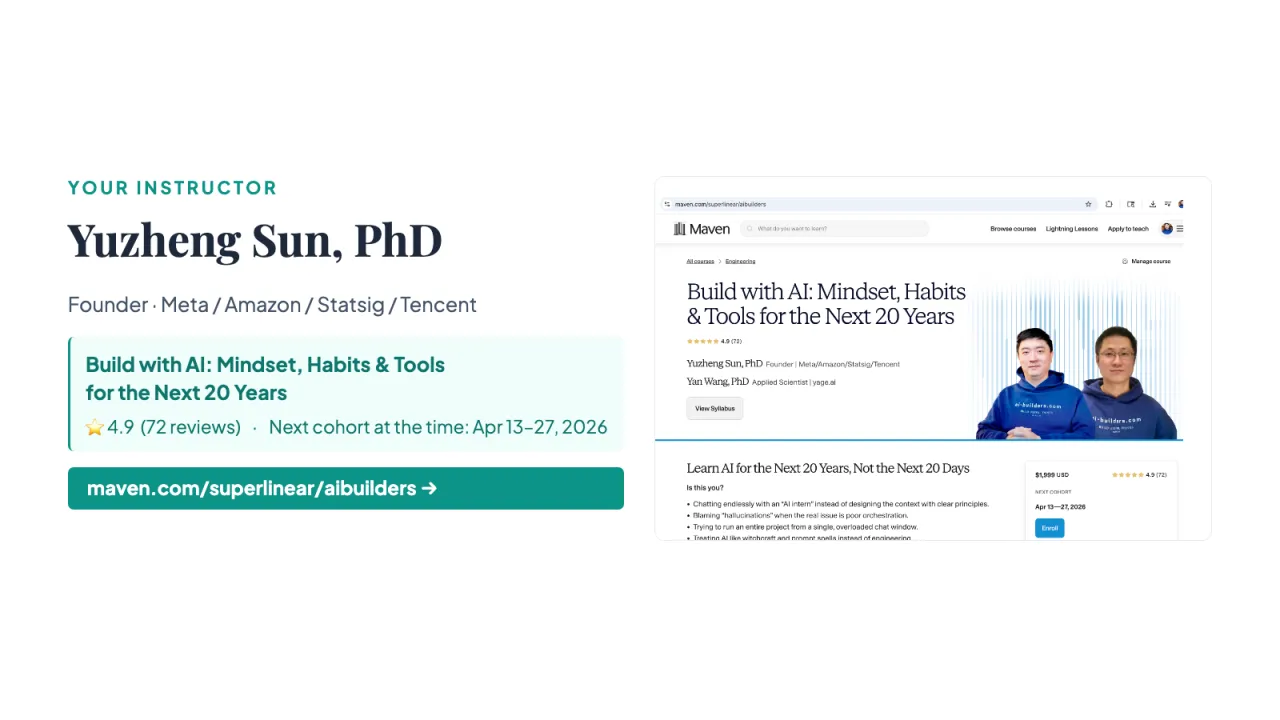
Founder · Meta / Amazon / Statsig / Tencent
Build with AI: Mindset, Habits & Tools for the Next 20 Years
⭐ 4.9 (72 reviews) · Next cohort at the time: Apr 13–27, 2026
maven.com/superlinear/aibuilders →
Links on this slidemaven.com/superlinear/aibuilders → ↗
PREAMBLE The AI Paradigm Shift — why Cursor, not ChatGPT
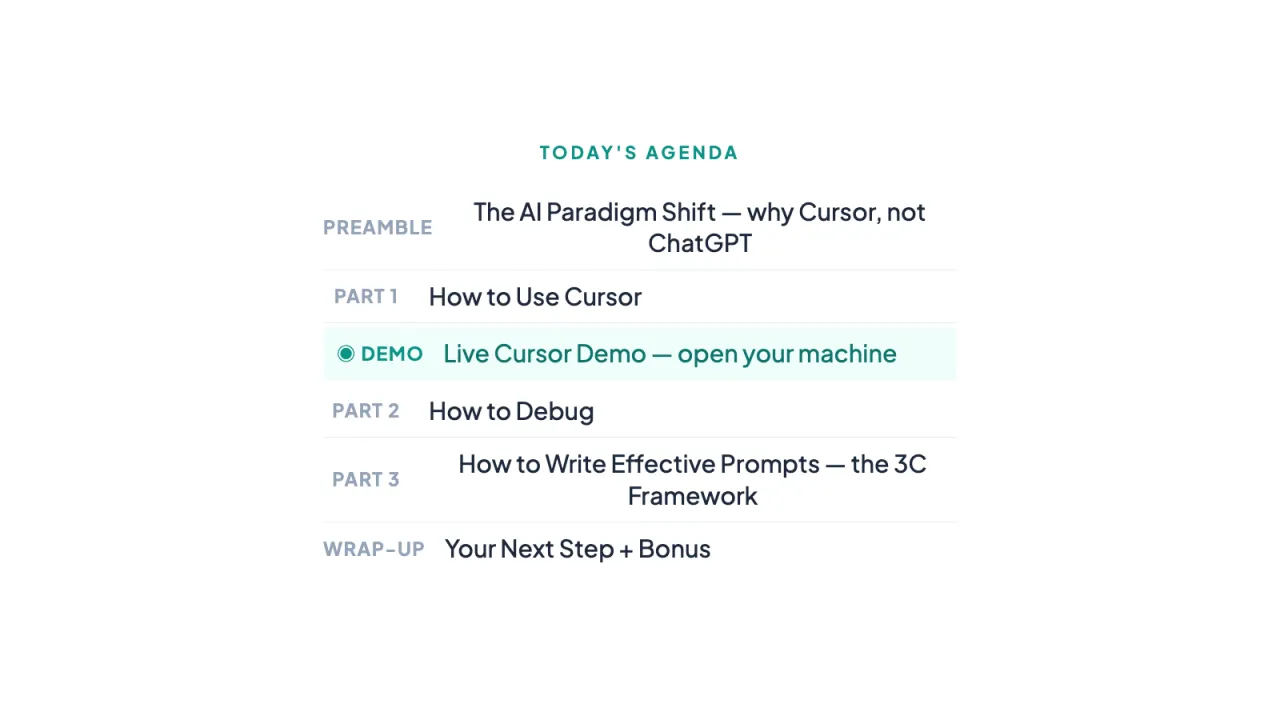
PART 1 How to Use Cursor
◉ DEMO Live Cursor Demo — open your machine
PART 2 How to Debug
PART 3 How to Write Effective Prompts — the 3C Framework
WRAP-UP Your Next Step + Bonus
Most people get 30% from AI. A few get 10×.
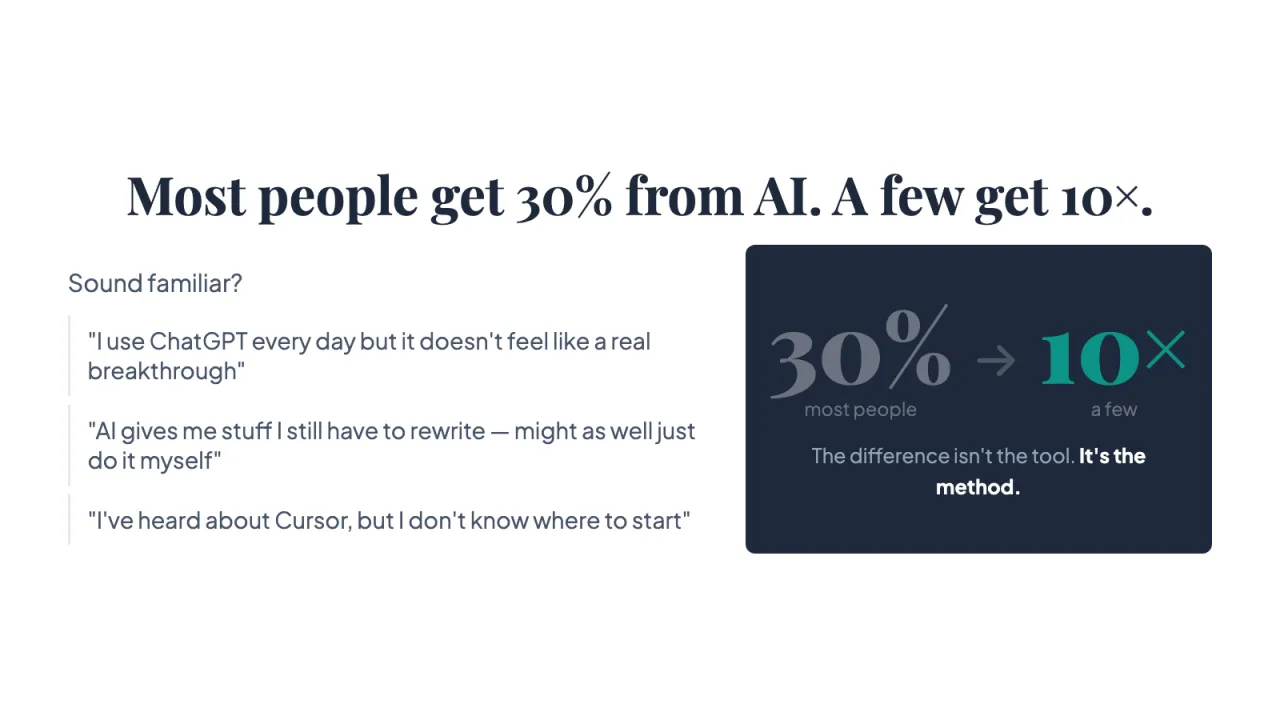
Sound familiar?
"I use ChatGPT every day but it doesn't feel like a real breakthrough"
"AI gives me stuff I still have to rewrite — might as well just do it myself"
"I've heard about Cursor, but I don't know where to start"
30% most people
→ 10×
a few
The difference isn't the tool. It's the method.
Bill Gates: AI is a paradigm shift on par with the GUI
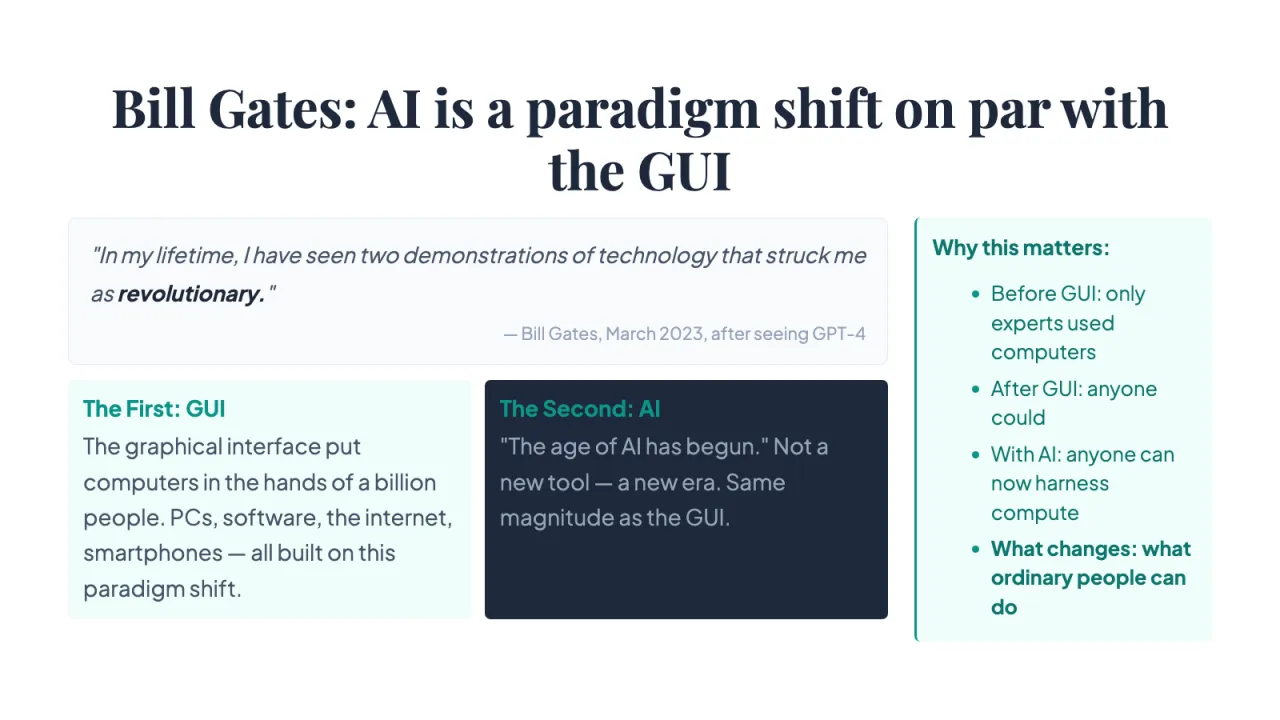
"In my lifetime, I have seen two demonstrations of technology that struck me as revolutionary."
— Bill Gates, March 2023, after seeing GPT-4
The First: GUI
The graphical interface put computers in the hands of a billion people. PCs, software, the internet, smartphones — all built on this paradigm shift.
The Second: AI
"The age of AI has begun." Not a new tool — a new era. Same magnitude as the GUI.
Why this matters:
- Before GUI: only experts used computers
- After GUI: anyone could
- With AI: anyone can now harness compute
- What changes: what ordinary people can do
The electric motor: new technology ≠ swap the tool
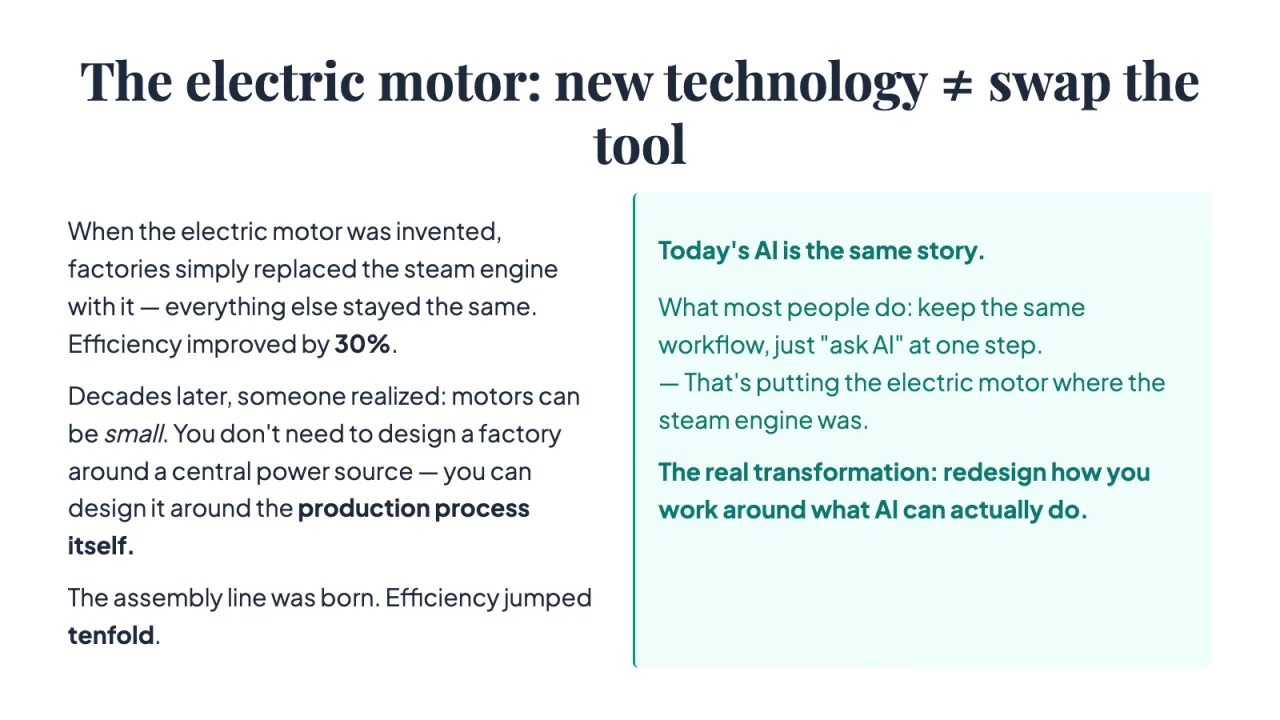
When the electric motor was invented, factories simply replaced the steam engine with it — everything else stayed the same. Efficiency improved by 30%.
Decades later, someone realized: motors can be small. You don't need to design a factory around a central power source — you can design it around the production process itself.
The assembly line was born. Efficiency jumped tenfold.
Today's AI is the same story.
What most people do: keep the same workflow, just "ask AI" at one step. — That's putting the electric motor where the steam engine was.
The real transformation: redesign how you work around what AI can actually do.
How to Use Cursor
ChatGPT is your advisor. Cursor is your engineering team.
Three fundamental limitations of chat-based AI
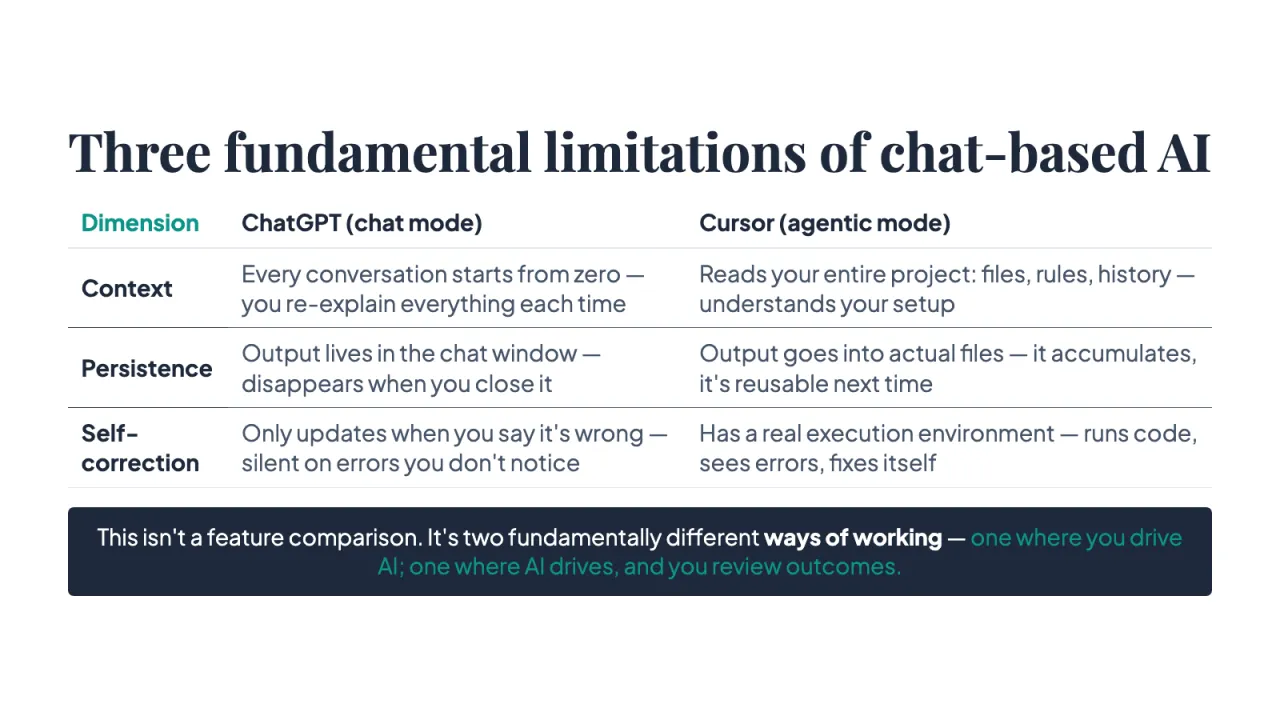
Dimension | ChatGPT (chat mode) | Cursor (agentic mode)
Context | Every conversation starts from zero — you re-explain everything each time | Reads your entire project: files, rules, history — understands your setup
Persistence | Output lives in the chat window — disappears when you close it | Output goes into actual files — it accumulates, it's reusable next time
Self-correction | Only updates when you say it's wrong — silent on errors you don't notice | Has a real execution environment — runs code, sees errors, fixes itself
This isn't a feature comparison. It's two fundamentally different ways of working — one where you drive AI; one where AI drives, and you review outcomes.
Controlling the process vs. controlling the outcome
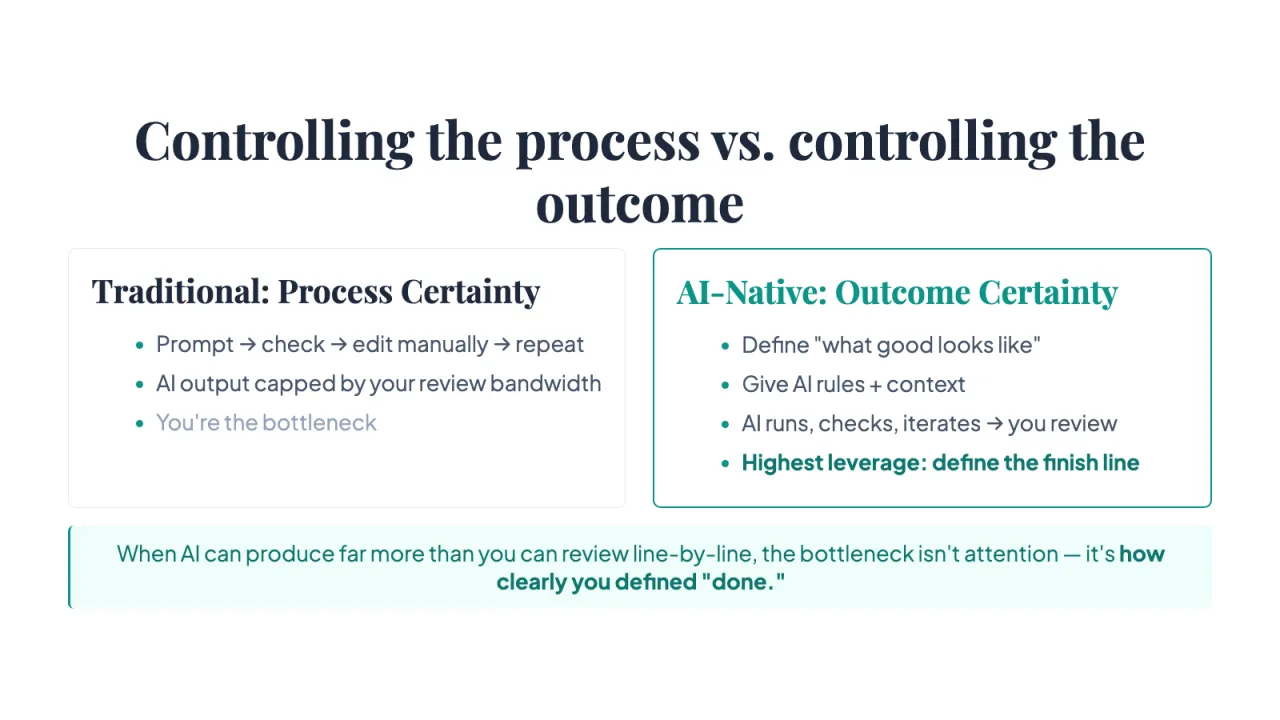
Traditional: Process Certainty
- Prompt → check → edit manually → repeat
- AI output capped by your review bandwidth
- You're the bottleneck
AI-Native: Outcome Certainty
- Define "what good looks like"
- Give AI rules + context
- AI runs, checks, iterates → you review
- Highest leverage: define the finish line
When AI can produce far more than you can review line-by-line, the bottleneck isn't attention — it's how clearly you defined "done."
Let's open Cursor. Feel the difference.
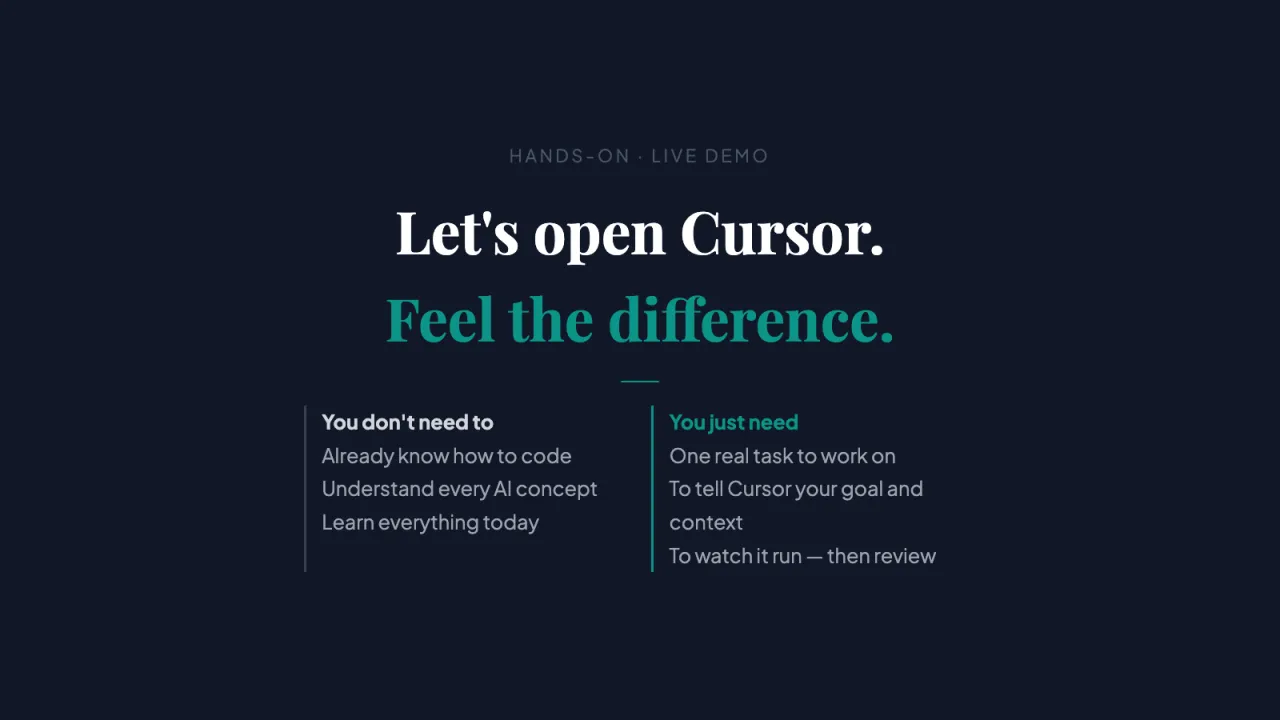
You don't need to Already know how to code Understand every AI concept Learn everything today You just need One real task to work on To tell Cursor your goal and context To watch it run — then review
How to Debug
Red errors are clues, not disasters.
Debugging with Cursor: a 3-step mindset
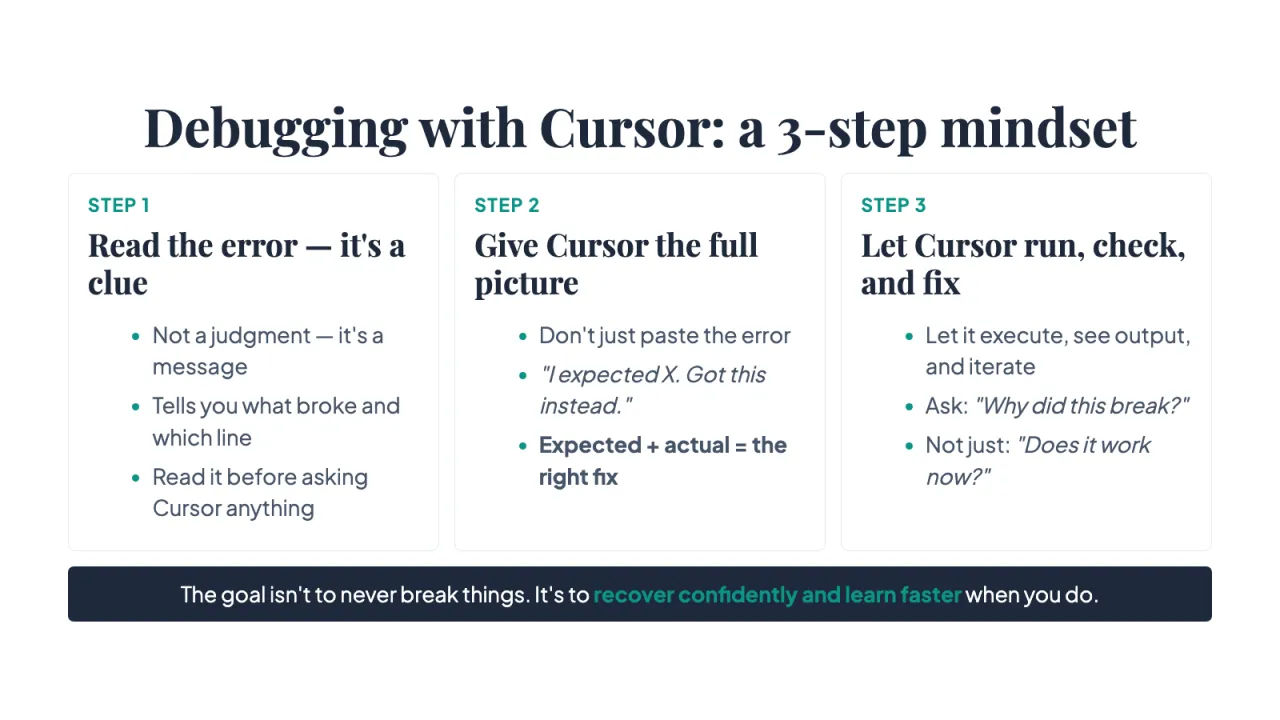
STEP 1
Read the error — it's a clue
- Not a judgment — it's a message
- Tells you what broke and which line
- Read it before asking Cursor anything
STEP 2
Give Cursor the full picture
- Don't just paste the error
- "I expected X. Got this instead."
- Expected + actual = the right fix
STEP 3
Let Cursor run, check, and fix
- Let it execute, see output, and iterate
- Ask: "Why did this break?"
- Not just: "Does it work now?"
The goal isn't to never break things. It's to recover confidently and learn faster when you do.
How to Write Effective Prompts
A vague instruction can produce code with no errors — and still lose your data.
Download the practice data
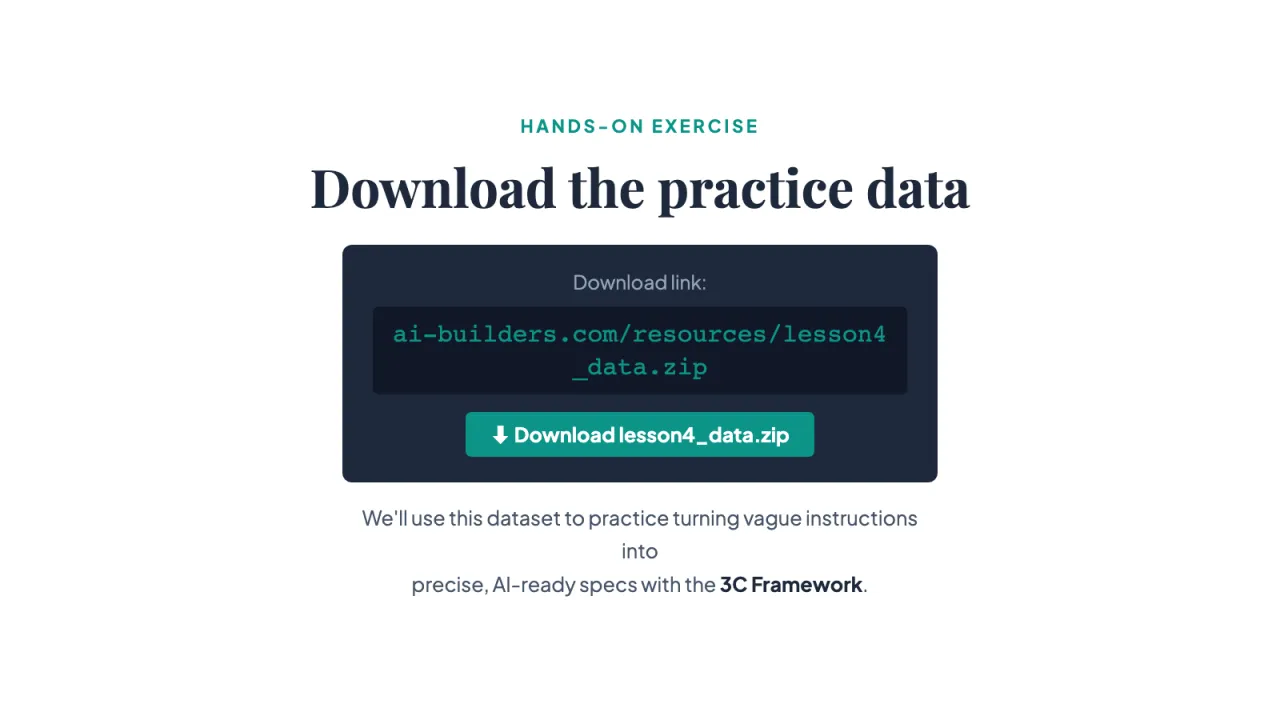
Download link:
ai-builders.com/resources/lesson4_data.zip
⬇ Download lesson4_data.zip
We'll use this dataset to practice turning vague instructions into precise, AI-ready specs with the 3C Framework.
Links on this slide⬇ Download lesson4_data.zip ↗
What a vague instruction looks like in practice
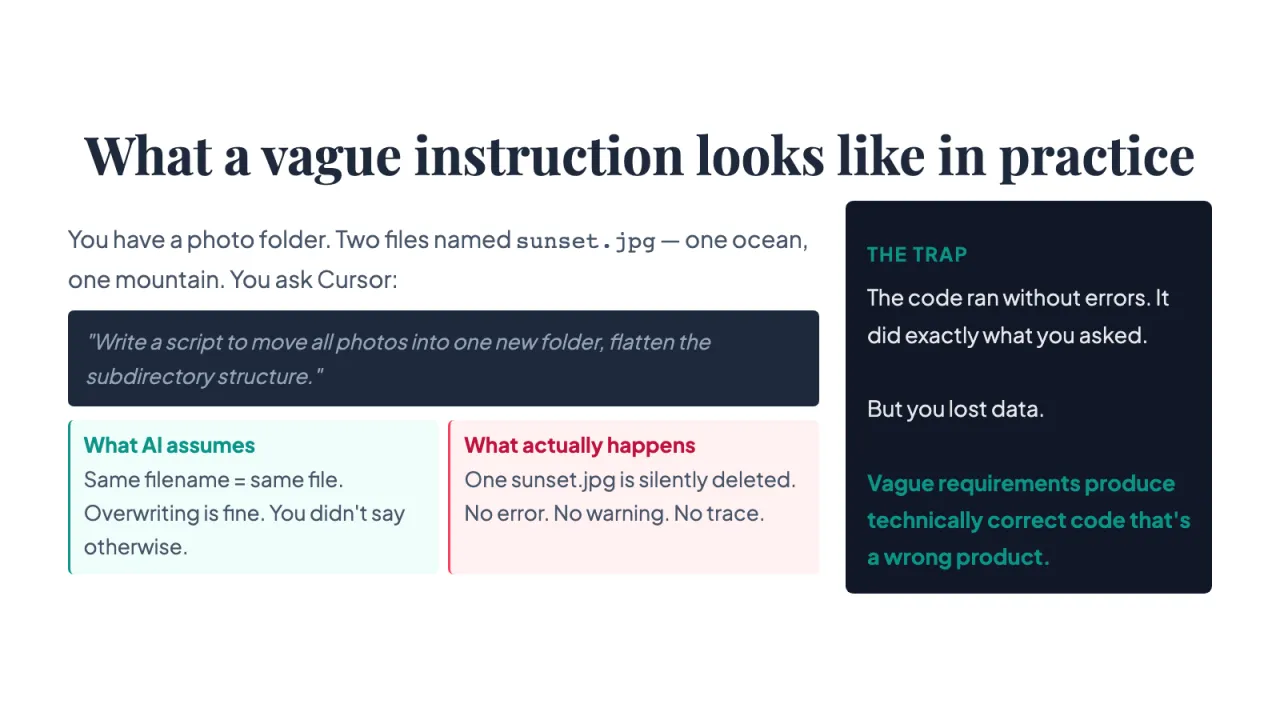
You have a photo folder. Two files named sunset.jpg — one ocean, one mountain. You ask Cursor:
"Write a script to move all photos into one new folder, flatten the subdirectory structure."
What AI assumes
Same filename = same file. Overwriting is fine. You didn't say otherwise.
What actually happens
One sunset.jpg is silently deleted. No error. No warning. No trace.
THE TRAP
The code ran without errors. It did exactly what you asked. But you lost data. Vague requirements produce technically correct code that's a wrong product.
Why did this happen? The curse of knowledge
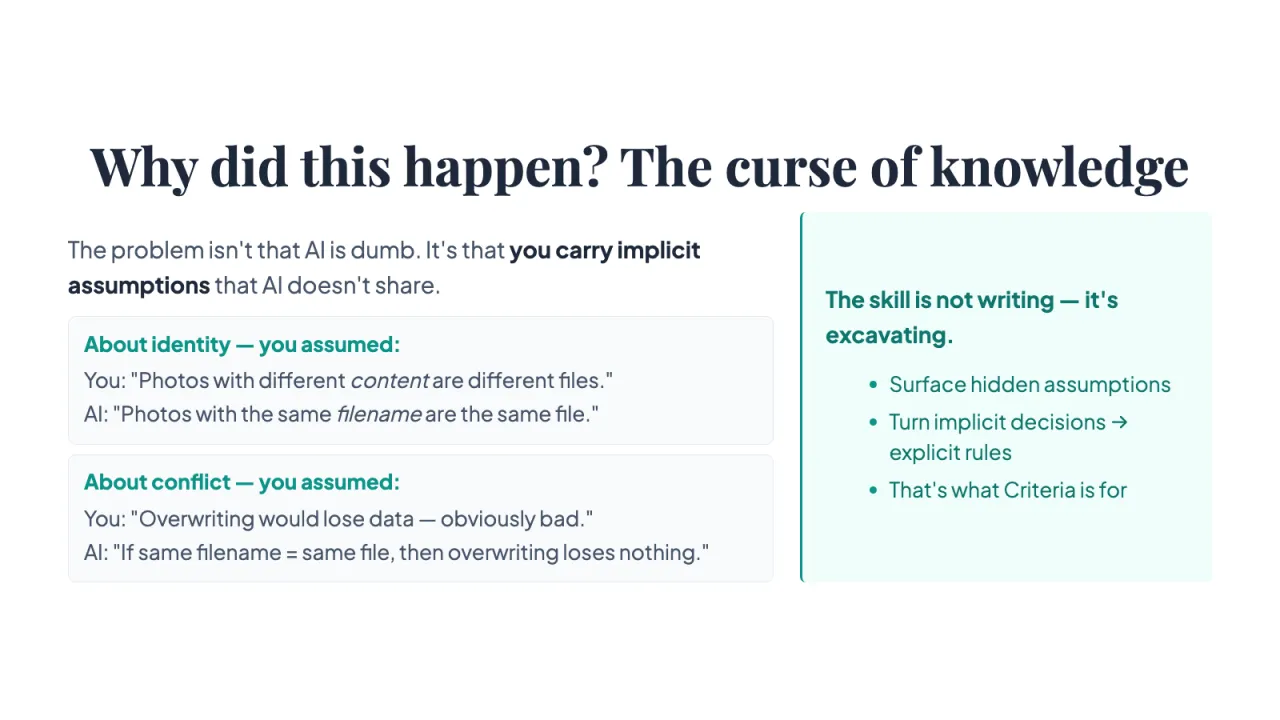
The problem isn't that AI is dumb. It's that you carry implicit assumptions that AI doesn't share.
About identity — you assumed:
You: "Photos with different content are different files." AI: "Photos with the same filename are the same file."
About conflict — you assumed:
You: "Overwriting would lose data — obviously bad." AI: "If same filename = same file, then overwriting loses nothing."
The skill is not writing — it's excavating.
- Surface hidden assumptions
- Turn implicit decisions → explicit rules
- That's what Criteria is for
The 3C Framework: write specs, not requests
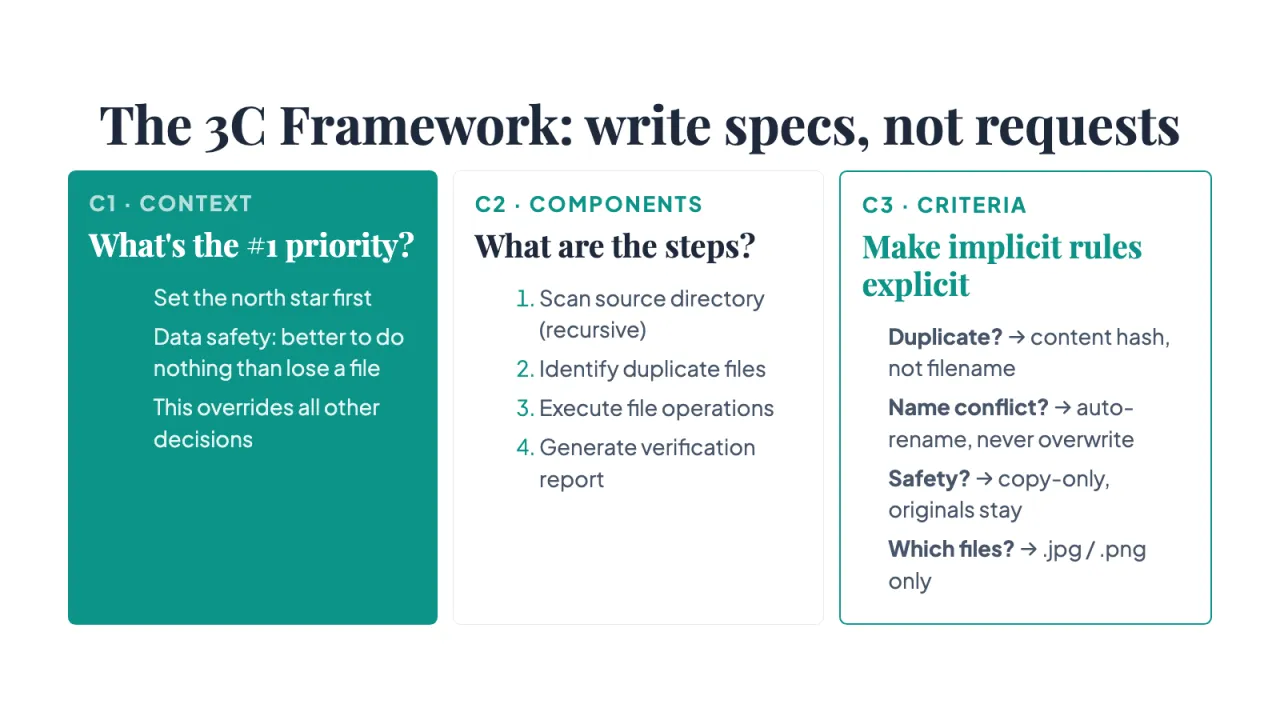
C1 · CONTEXT
What's the #1 priority?
- Set the north star first
- Data safety: better to do nothing than lose a file
- This overrides all other decisions
C2 · COMPONENTS
What are the steps?
- Scan source directory (recursive)
- Identify duplicate files
- Execute file operations
- Generate verification report
C3 · CRITERIA
Make implicit rules explicit
- Duplicate? → content hash, not filename
- Name conflict? → auto-rename, never overwrite
- Safety? → copy-only, originals stay
- Which files? → .jpg / .png only
Validation: trust the ledger, not your eyes
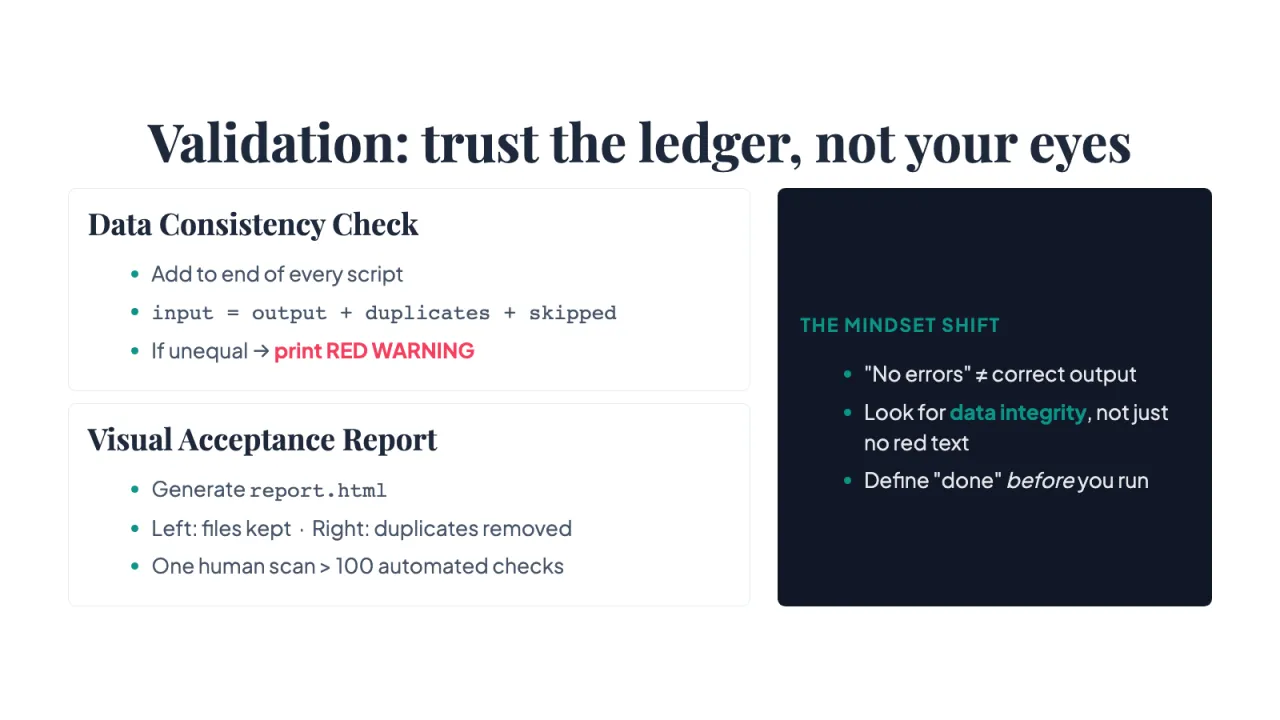
Data Consistency Check
- Add to end of every script
- input = output + duplicates + skipped
- If unequal → print RED WARNING
Visual Acceptance Report
- Generate report.html
- Left: files kept · Right: duplicates removed
- One human scan > 100 automated checks
THE MINDSET SHIFT
- "No errors" ≠ correct output
- Look for data integrity, not just no red text
- Define "done" before you run
Where you are now — what to do next
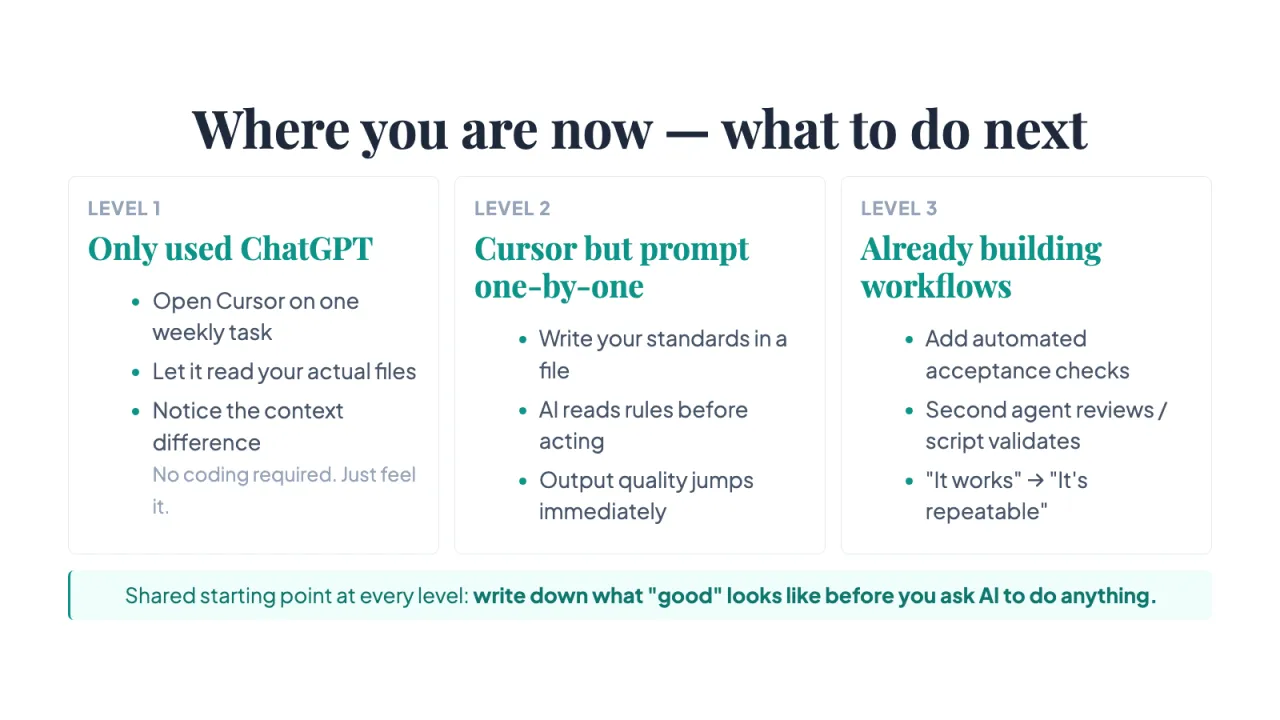
LEVEL 1
Only used ChatGPT
- Open Cursor on one weekly task
- Let it read your actual files
- Notice the context difference No coding required. Just feel it.
LEVEL 2
Cursor but prompt one-by-one
- Write your standards in a file
- AI reads rules before acting
- Output quality jumps immediately
LEVEL 3
Already building workflows
- Add automated acceptance checks
- Second agent reviews / script validates
- "It works" → "It's repeatable"
Shared starting point at every level: write down what "good" looks like before you ask AI to do anything.
This deck you just watched is itself a demo
The process of making this deck practiced every principle we just covered.
How this deck was made
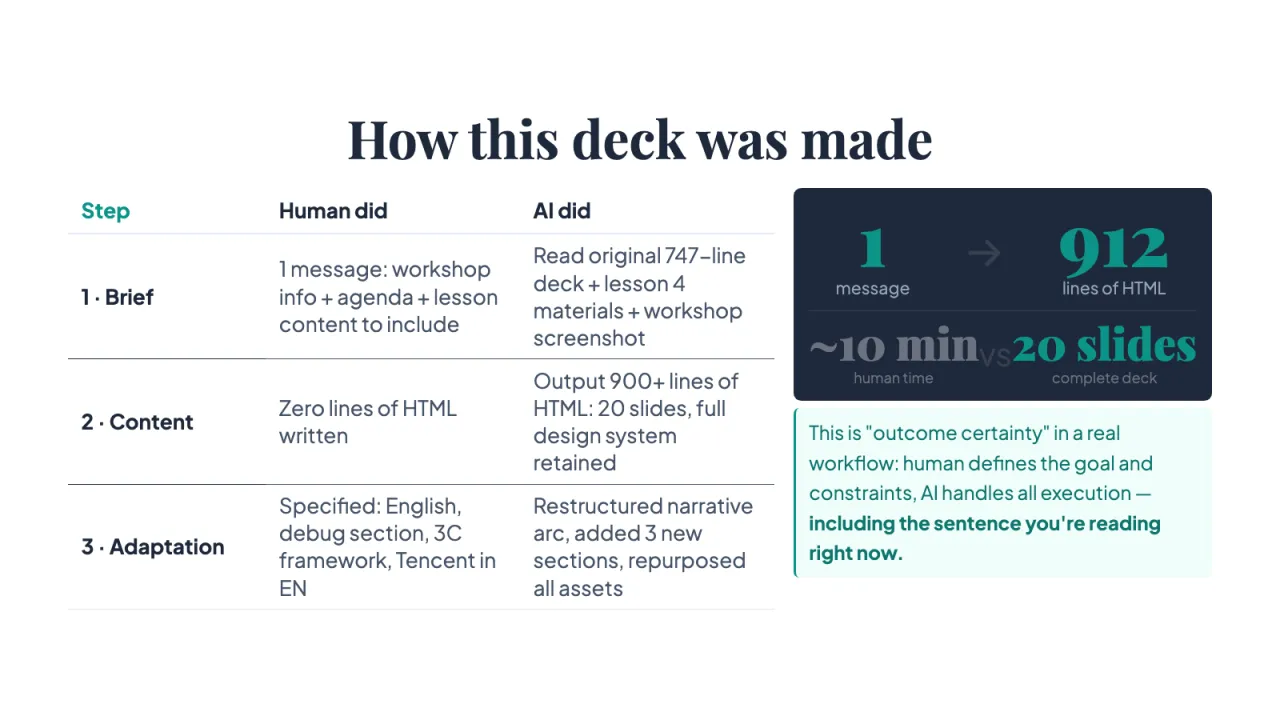
Step | Human did | AI did
1 · Brief | 1 message: workshop info + agenda + lesson content to include | Read original 747-line deck + lesson 4 materials + workshop screenshot
2 · Content | Zero lines of HTML written | Output 900+ lines of HTML: 20 slides, full design system retained
3 · Adaptation | Specified: English, debug section, 3C framework, Tencent in EN | Restructured narrative arc, added 3 new sections, repurposed all assets
1 message
→ 912
lines of HTML
~10 min
human time
vs 20 slides
complete deck
This is "outcome certainty" in a real workflow: human defines the goal and constraints, AI handles all execution — including the sentence you're reading right now.
Join the Superlinear Academy community
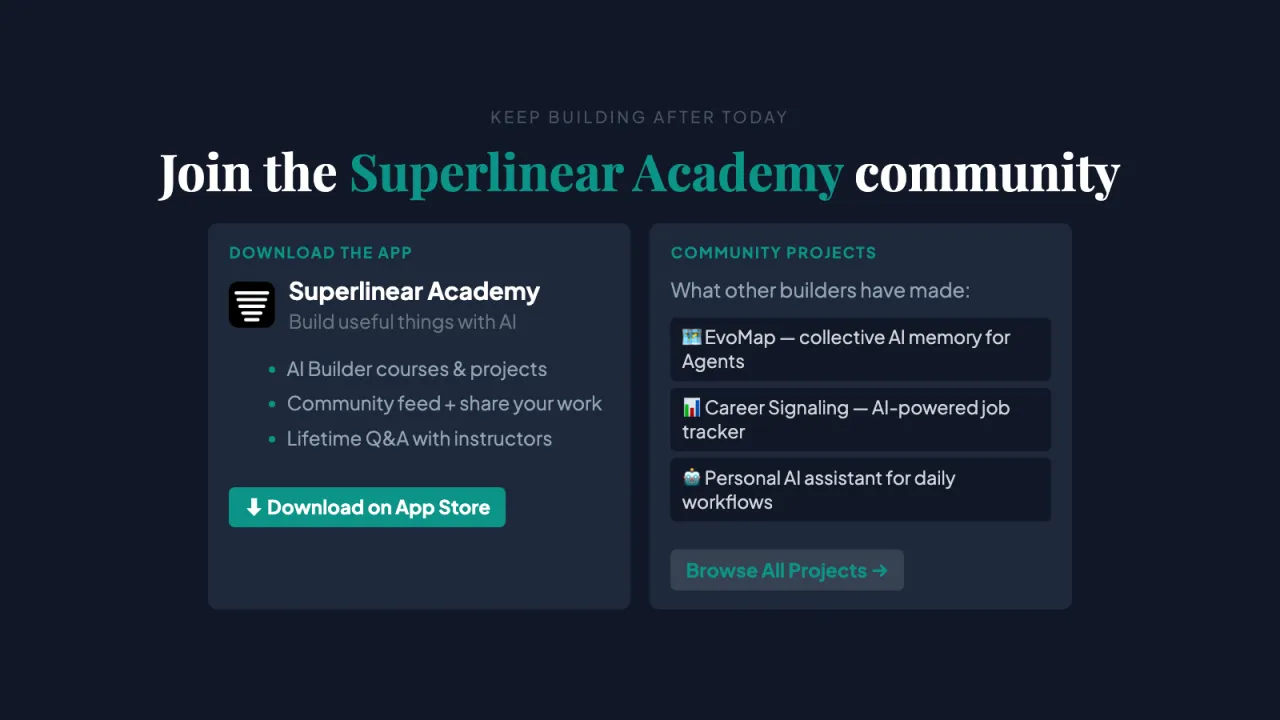
DOWNLOAD THE APP
Superlinear Academy
Build useful things with AI
- AI Builder courses & projects
- Community feed + share your work
- Lifetime Q&A with instructors
⬇ Download on App Store
COMMUNITY PROJECTS
What other builders have made:
🗺 EvoMap — collective AI memory for Agents
📊 Career Signaling — AI-powered job tracker
🤖 Personal AI assistant for daily workflows
Browse All Projects →
Links on this slide⬇ Download on App Store ↗Browse All Projects → ↗
Build with AI: Mindset, Habits & Tools for the Next 20 Years
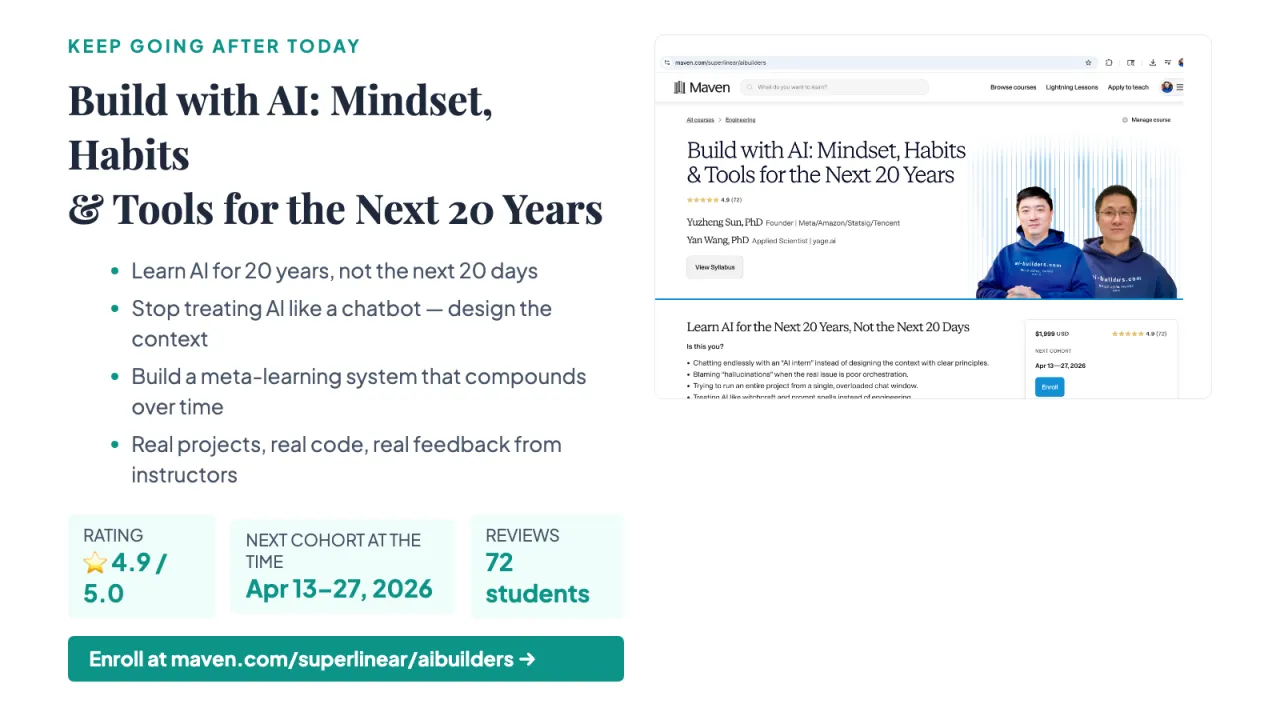
- Learn AI for 20 years, not the next 20 days
- Stop treating AI like a chatbot — design the context
- Build a meta-learning system that compounds over time
- Real projects, real code, real feedback from instructors
RATING
⭐ 4.9 / 5.0 NEXT COHORT AT THE TIME
Apr 13–27, 2026
REVIEWS
72 students
Enroll at maven.com/superlinear/aibuilders →
Links on this slideEnroll at maven.com/superlinear/aibuilders → ↗
This deck is on GitHub
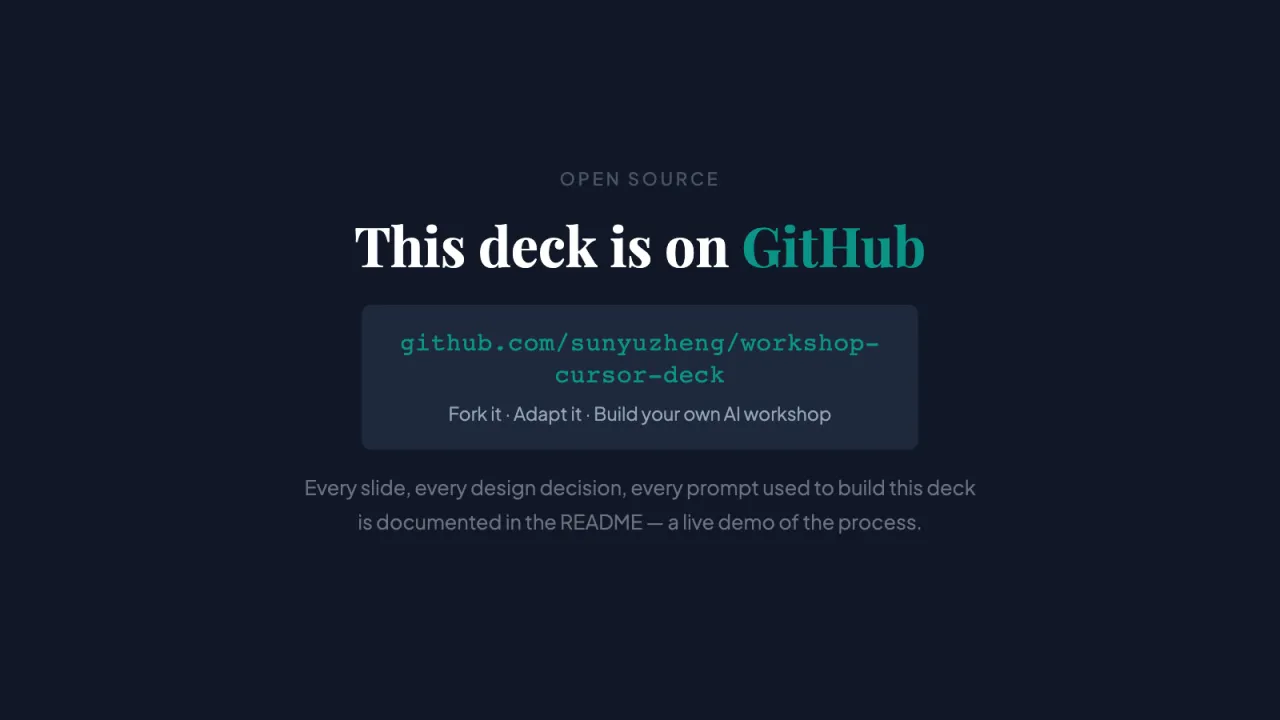
github.com/sunyuzheng/workshop-cursor-deck
Fork it · Adapt it · Build your own AI workshop
Every slide, every design decision, every prompt used to build this deck is documented in the README — a live demo of the process.
The gap between using AI and using AI well isn't 30%. It's 10×.
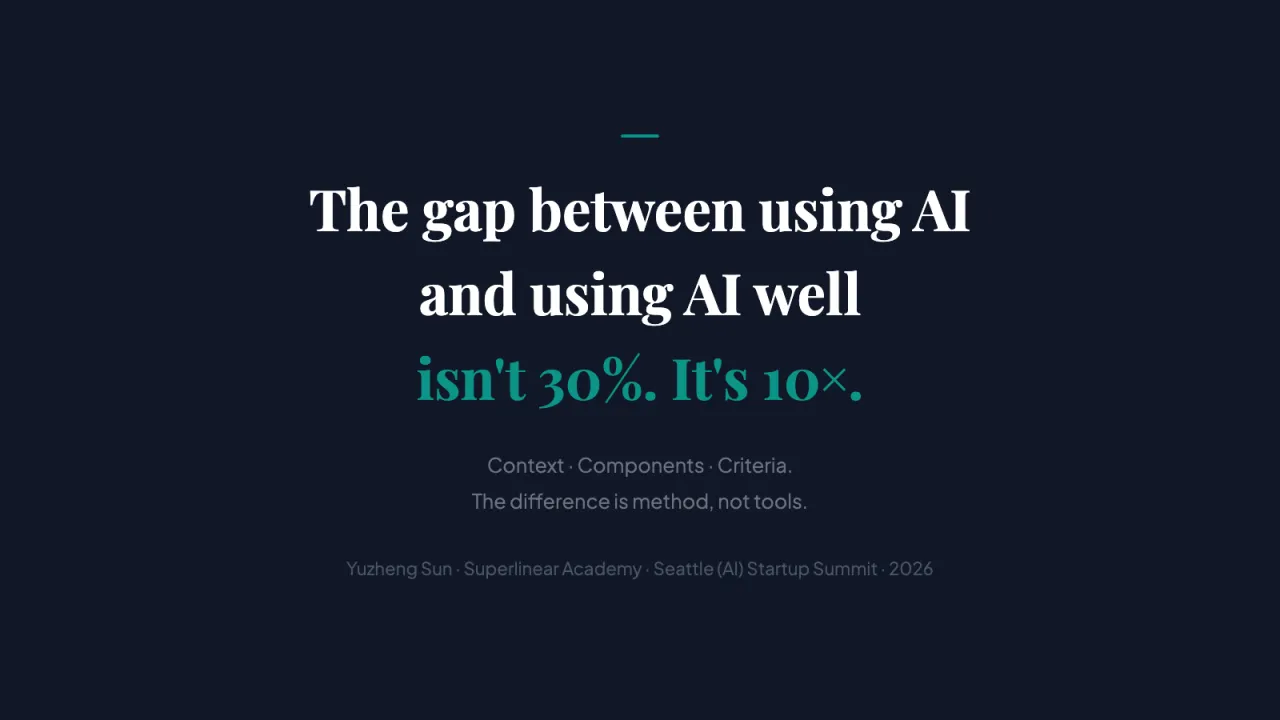
Context · Components · Criteria. The difference is method, not tools.
Yuzheng Sun · Superlinear Academy · Seattle (AI) Startup Summit · 2026
About this page
This is the web version of the slides. Each picture is one slide; the text comes from the slides themselves.
Play the original slides →Still have a question?
Ask Lizheng answers from what I have said and written in public, with a source for every answer.
Ask Lizheng → The End of Fake LearningColumbia University · October 2, 2026